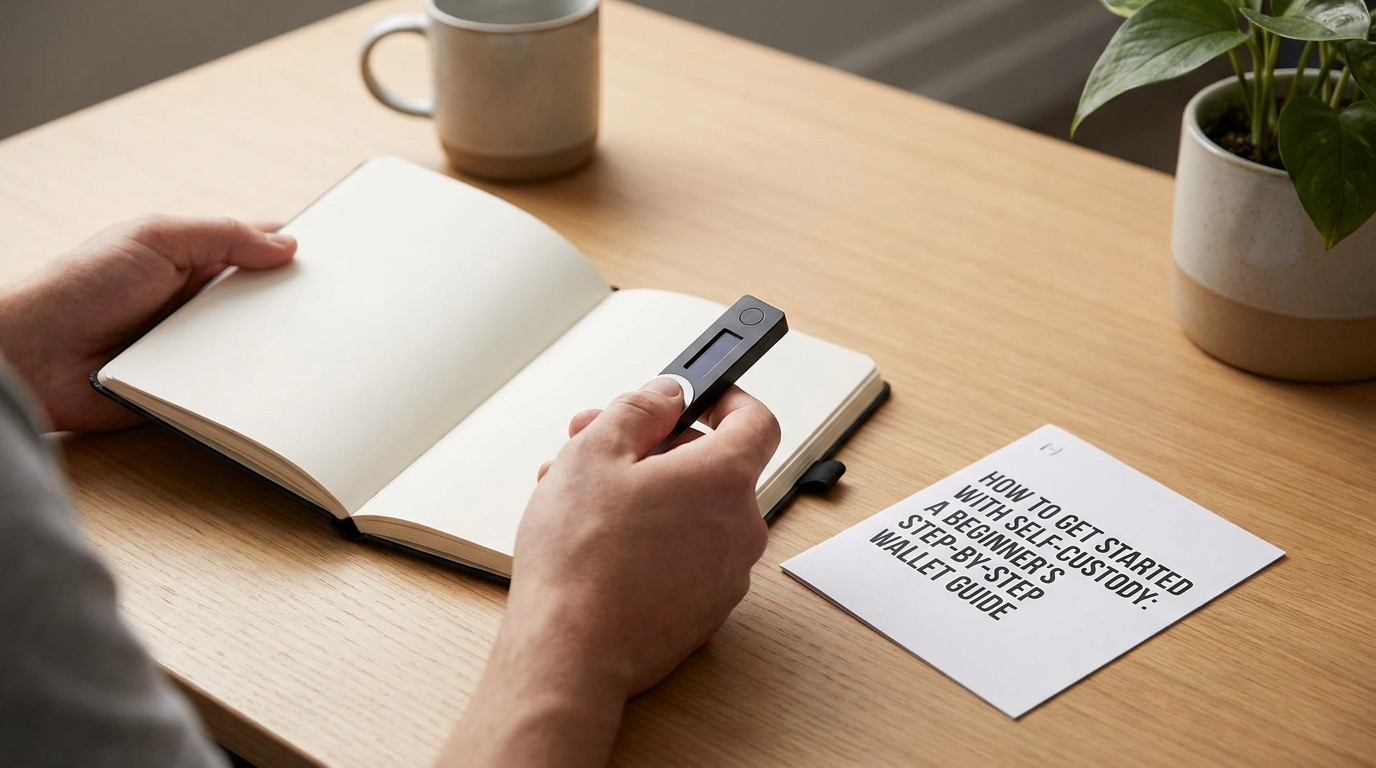
How to Get Started with Self-Custody: A Beginner's Step-by-Step Wallet Guide
Leaving your assets on a centralized exchange is incredibly convenient—until it isn't. If the history of the digital asset space has taught us anything, it is that a platform's convenience can vanish overnight, taking your portfolio with it.
The golden rule of crypto has always been: Not your keys, not your coins.
When you keep your funds on an exchange, you don't actually own your crypto; you own a promise from the exchange that they will give it to you when you ask. Moving to self-custody means you take direct, mathematical ownership of your private keys. It is the ultimate form of financial sovereignty, and getting started is much simpler than you think.
What is Self-Custody? (In Plain English)
To understand self-custody, think of your wallet as a highly secure digital lockbox.
- Your Public Address is like your email address or bank routing number. It is completely safe to share with others so they can send you funds.
- Your Private Key is the digital signature that unlocks those funds. If anyone else gets their hands on this key, they can instantly sweep your entire balance.
A self-custodial wallet is a software or hardware tool that securely generates and stores these private keys directly on your own device, entirely bypassing middleman corporations.

The Two Flavors of Wallets: Hot vs. Cold
Before you create your first wallet, you need to decide how you plan to use it. You have two primary options:
Software (Hot) Wallets
These are free applications that run on your phone, desktop, or as a browser extension. Because they are installed on an internet-connected device, they are called "hot" wallets.
- Best For: Small to medium balances, daily transactions, interacting with DeFi, or collecting NFTs.
- Popular Examples: Trust Wallet, Phantom, and Coinbase Wallet.
Hardware (Cold) Wallets
These are physical, pocket-sized devices that generate and keep your private keys completely offline. Since they are physically disconnected from the internet, they are virtually immune to remote hacking or malware on your computer.
- Best For: Medium to large balances and long-term storage of your generational wealth.
- Popular Examples: Ledger and Trezor.
Step-by-Step Setup Guide for Your First Wallet
Setting up your first self-custody wallet is a straightforward process, but it requires absolute focus. Follow this step-by-step sequence to get set up securely.
1.Download from the Official Source:Step 1.Navigate directly to the official website of the wallet you have chosen (e.g., trustwallet.com or phantom.app) to find the download link. Never search for a wallet app in a search engine and click the first sponsored link, as scammers often pay for ads that point to fake, malicious copycat apps designed to steal your keys.
2.Generate a New Wallet:Step 2.Open the installed application and select "Create a new wallet." Set a strong local password or passcode. This password only locks the app on your physical device—it does not secure your funds on the blockchain, but it prevents someone who steals your phone from instantly accessing your wallet.
3.Write Down Your Seed Phrase:Step 3.The app will display your Recovery Phrase (also known as a seed phrase), which is a sequence of 12 or 24 random words. This phrase is the master mathematical key to your entire wallet. Write these words down in their exact order using a pen on a physical piece of paper.
4.Verify and Store Your Backup:Step 4.The app will ask you to re-enter the words in order to verify that you wrote them down correctly. Once verified, store this paper backup in a secure, private location. Never take a photo of your seed phrase, never save it in a notes app, and never upload it to cloud storage. If your computer or phone breaks, this paper phrase is the only way to recover your funds.
5.Execute a Small Test Transfer:Step 5.Copy your new deposit address from the wallet. Go to your exchange account, paste the address, and execute a tiny test transfer (such as $5 or $10). Wait for the transaction to clear on-chain. Once the test balance shows up in your new self-custody wallet, you can confidently transfer the remainder of your funds.
The Golden Rules of Self-Custody Security
With great power comes great responsibility. Since there is no "Forgot Password" button or customer support line in the decentralized world, you are your own bank. Memorize these simple rules:
🚨 The Golden Security Rule: No legitimate crypto project, wallet provider, or support representative will ever ask you for your 12- or 24-word seed phrase. If anyone asks for your phrase, they are actively attempting to steal your funds. Period.
- Keep Your Recovery Phrase Analog: Keep your seed phrase written on paper or engraved on metal. The moment your seed phrase is typed onto an internet-connected keyboard (even as a screenshot), it is vulnerable to silent spyware and database leaks.
- Double-Check Addresses: Malware can sometimes infect a clipboard and swap out a copied wallet address for an attacker's address when you paste it. Always visually verify the first 5 and last 5 characters of the destination address on your screen before hitting send.
Taking your first steps into self-custody can feel like a leap of faith, but once you successfully complete your first transfer, you will feel the immense peace of mind that comes with truly owning your digital assets.