How to Safely Enter the Market: A Beginner's Guide to Setting Up Your First Exchange Account
Taking your first step into the cryptocurrency market is an exciting milestone, but it can also feel a bit like stepping onto a busy highway. With hundreds of platforms vying for your attention and complex terms being thrown around, finding a safe point of entry is the single most important decision you will make.
For the vast majority of beginners, a regulated, centralized exchange (CEX) is the safest bridge. These platforms operate similarly to traditional online brokerage accounts, letting you swap your local fiat currency (like USD, EUR, or NGN) for digital assets in a highly secured environment.
Here is a simple, stress-free guide to setting up your first account while ensuring your funds and personal data are locked down from day one.
Finding Your Gateway: What Makes an Exchange Safe?
Before you type your email into a signup box, you need to ensure the platform is worthy of your trust. For beginners, prioritize these three pillars instead of chasing flashy marketing or obscure tokens:
- A Clear Security Track Record: Look for established exchanges that have been operating for years with zero history of customer fund losses due to security breaches (such as Kraken, Coinbase, or Gemini).
- Regulatory Compliance: Ensure the platform is fully licensed and registered to operate in your specific region. Licensed exchanges are required to hold user deposits 1:1, meaning they can't legally leverage or gamble with your funds.
- Transparent Fee Structure: Some platforms hide high transaction costs behind confusing "spreads" (the difference between the buy and sell price). Look for flat-rate, transparent fee schedules so you know exactly what you are paying at checkout.
The Setup Blueprint: Securing Your Entrance
Setting up an account only takes about 10 to 15 minutes, but skipping a security setting can leave your assets exposed. Follow this exact sequence to build an ironclad setup:
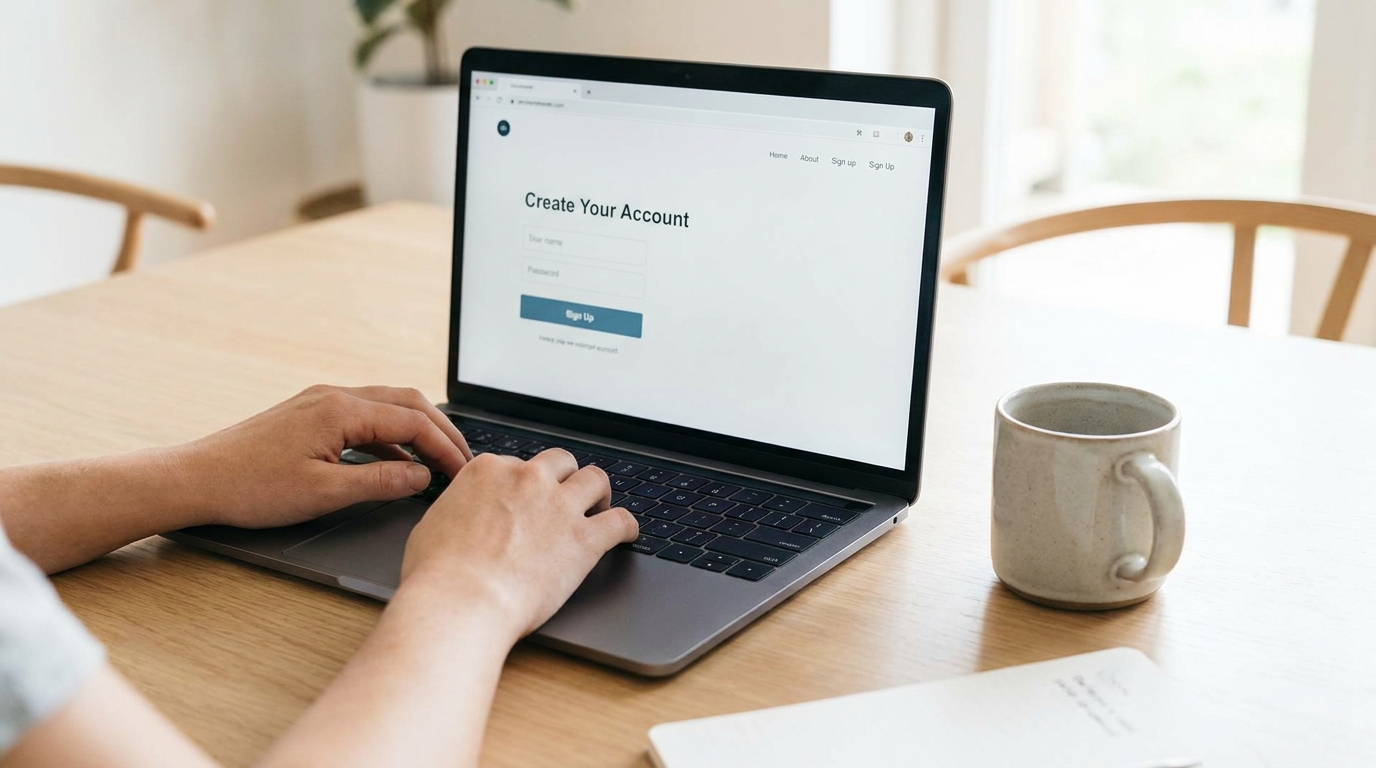
1.Verify the Domain and Sign Up:Step 1.Phishing sites look exactly like real exchanges to steal your credentials. Open your browser and manually type the exchange's official URL, or download their official app directly from your mobile device's app store. Create your account using a unique, complex password generated by a reliable password manager.
2.Complete Identity Verification (KYC):Step 2.To prevent money laundering and fraud, regulated exchanges require Know Your Customer (KYC) verification. You will need a clean photo of a government-issued ID (like a driver's license or passport) and a smartphone to snap a quick selfie. Most modern verification engines will approve your account within a few minutes.
3.Enable Multi-Factor Authentication (MFA):Step 3.Never rely on simple username/password logins. Go to your security settings and turn on Multi-Factor Authentication immediately. Avoid SMS-based verification, as hackers can hijack your phone number via "SIM-swapping." Instead, use an authenticator app (like Google Authenticator) or physical hardware security keys.
4.Link Your Funding Method:Step 4.Navigate to the payment settings to link a bank account or debit card. Bank transfers (like ACH, SEPA, or local instant transfers) generally take a day or two to clear but have the lowest deposit fees. Debit cards offer instant funding but usually carry much higher processing charges.
5.Execute a Minimal Test Buy:Step 5.Before moving larger sums, perform a minor transaction. Buy a small amount of a major asset (like $10 of Bitcoin or USDC). This familiarizes you with the buying interface, the transaction fees, and the settlement process without risking significant capital.
Pro Tips for Maximum Exchange Hygiene
Once your account is active and funded, implement these quick, proactive habits to keep your funds isolated from threats:
🛡️ Set an Anti-Phishing Code: Most top-tier exchanges allow you to set a custom "Anti-Phishing Code" in your security settings. Once configured, every official email the exchange sends you will contain this exact word or phrase in the header. If you receive an email claiming to be from the exchange without this code, you know instantly it's a scam.
- Turn on Withdrawal Address Whitelisting: This feature restricts outgoing crypto transfers exclusively to addresses you have explicitly pre-approved. Even if an attacker somehow bypasses your login MFA, they won't be able to withdraw your crypto to an external wallet because of the mandatory holding period (usually 24 to 48 hours) required to whitelist a new address.
- Separate Trading Capital from Storage: Remember that keeping your funds on an exchange means you do not control the private keys. Keep only what you are actively trading on the exchange. For anything you plan to hold for the long term, migrate it to a self-custodial software or hardware wallet.